Export Products
If you are looking to export products data from your shop please follow the below instructions.
1) Log into our legacy seller dashboard at https://goimagine.com/vendor.php
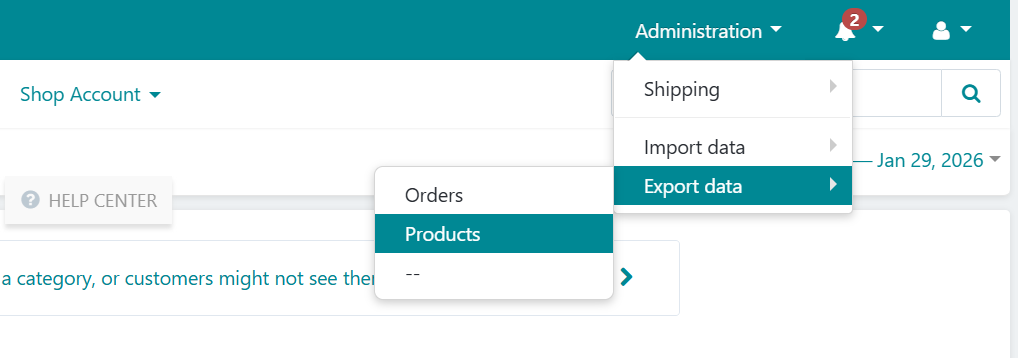
2) In the top right corner hover over Administration > Export Data > Products
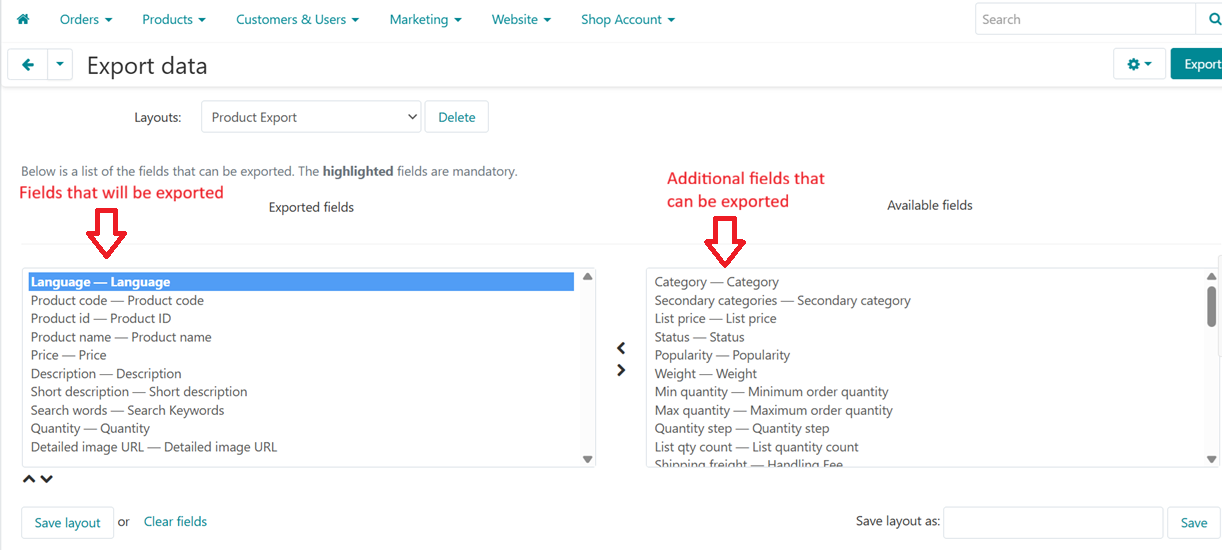
3) When exporting products there will be a page for you to decide which fields to export.
We recommend the following fields, but choose whichever ones you like:
Product Code
Product ID
Product Name
Price
Description
Search Keywords
Quantity
Detailed Image URL
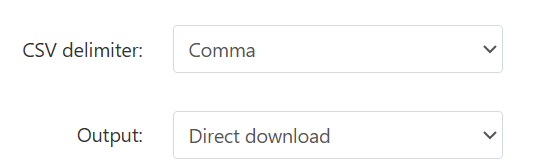
4) After selecting the fields you want exported you are ready to do the export. Below the fields list you can IGNORE most of the other fields. The only two fields that really matter are CSV delimiter and Output. You will want these set at 'comma' and 'direct download'. This will download you products as a CSV file
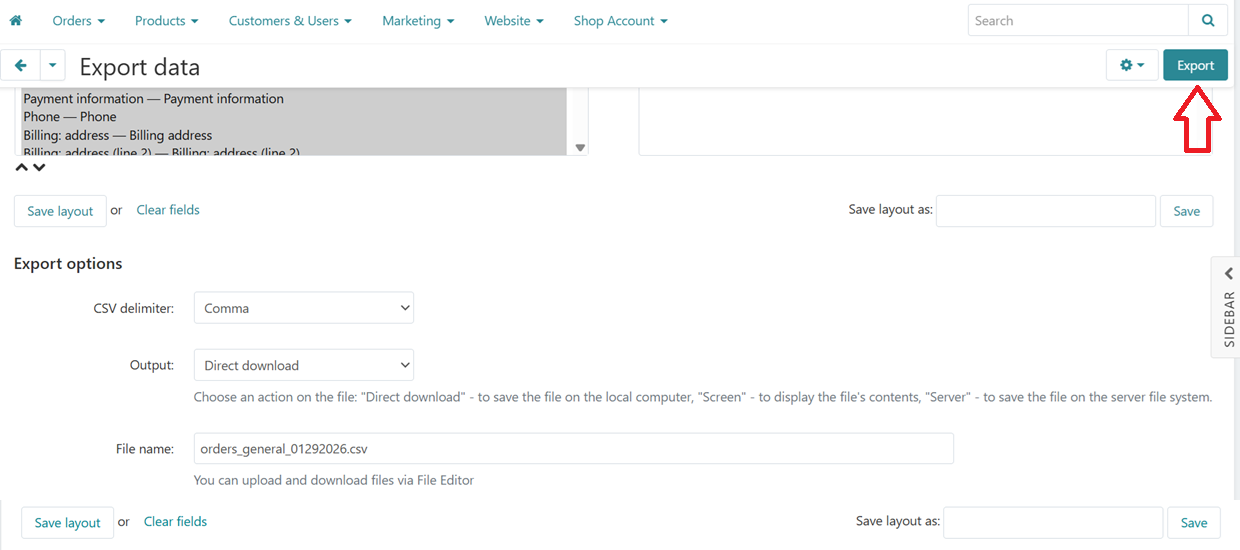
5) The final step is to select Export and the products file will be downloaded to your computer.